Search, summarize, and understand PDFs, notes, and research documents locally on your Mac.
Watch how Sero turns PDFs, notes, folders, and research into a searchable AI workspace running entirely on your Mac.
Use lightweight local models through Ollama with full control over performance and privacy.
We help businesses harness technology not to replace human creativity, but to amplify it enabling smarter decisions and faster.
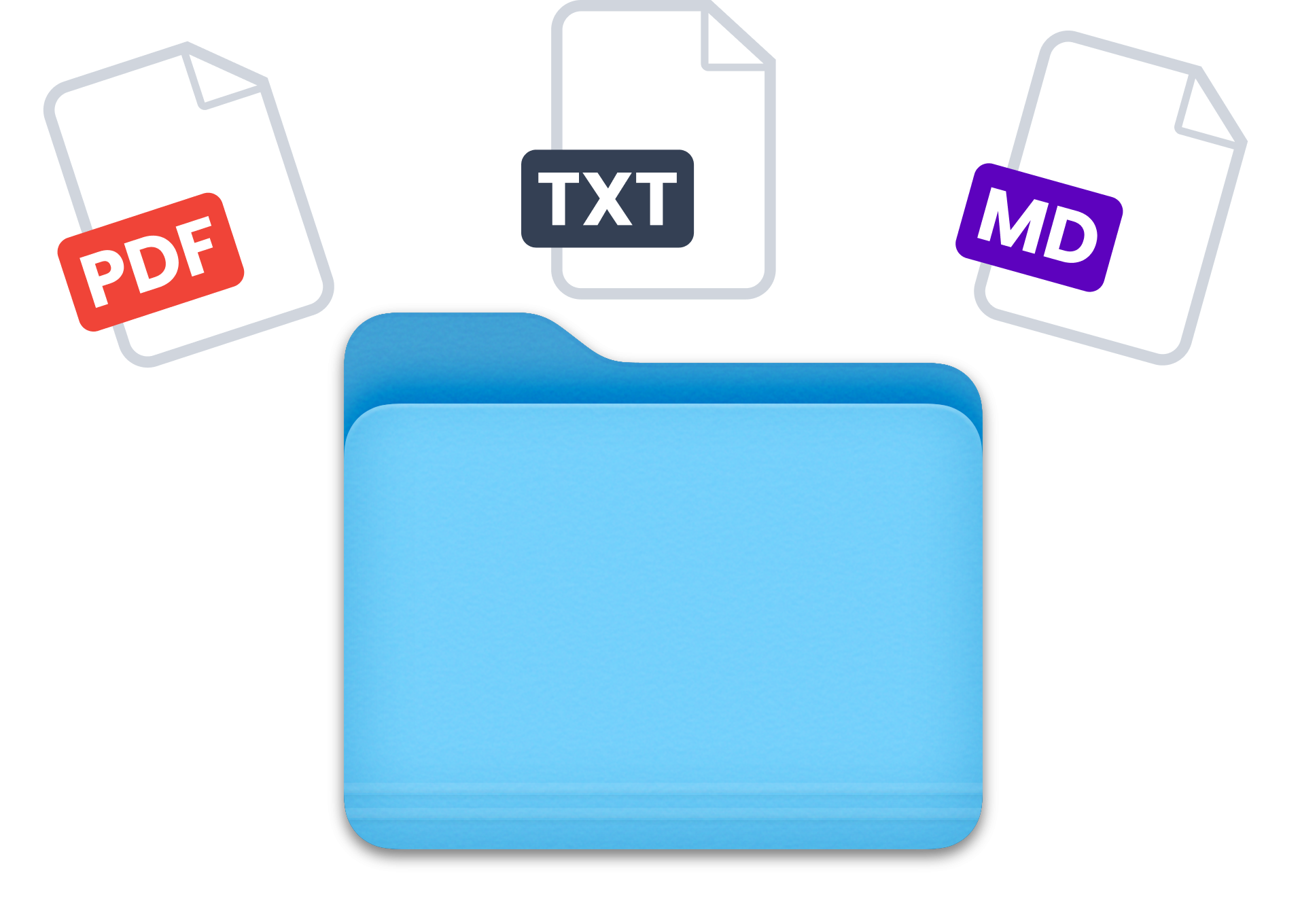
Ask questions across PDFs, TXT, and Markdown files with fully local AI that keeps your data offline and searchable on your own Mac.
Search contracts, statements, reports, and research material with grounded answers built from your own documents and sources.
Surface key insights, summaries, and important sections from long reports, proposals, and technical documents instantly.
Search architecture docs, API keys, snippets, OCR scans, and structured files in one fast local workspace built for technical teams.
Sero indexes, embeds, and reasons over your files locally with offline AI processing. No cloud uploads, no telemetry, and no remote file access.
Everything you need to know about local AI, privacy, supported models, and how Sero runs completely on your Mac.
No. Your files stay completely on your Mac. Sero processes documents locally using offline AI models with no remote uploads, no telemetry, and no external file access.
Yes. Sero is fully open source and designed for transparency. You can inspect the codebase, run it locally, customize workflows, and use your own models without vendor lock in.
Sero works great with lightweight local models like Qwen 3.5, Llama, Mistral, and DeepSeek through Ollama. These models run smoothly on most modern MacBooks including base M series devices.
No. Once your models are installed, Sero works fully offline. You can search, chat, summarize, and analyze documents without needing cloud access.
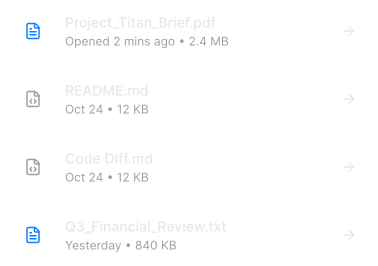
Yes. Sero is built to index folders, notes, PDFs, markdown files, and research archives into a searchable local workspace optimized for fast retrieval and semantic search.
Most likely yes. Sero is optimized for Apple Silicon and works well across MacBook Air, MacBook Pro, Mac Mini, and Studio devices. Even base M1 and M2 systems can run recommended lightweight models comfortably.
Search, analyse, and explore PDFs, notes, research folders, and local files using fast open source AI models directly on your Mac.